Pi-Hole self hosted Network wide Ad-Blocker

What is Pi-Hole
Pi-hole is a network-wide ad blocker that works by acting as a DNS sinkhole, effectively blocking ads and tracking domains at the network level. It runs on a variety of devices, including Raspberry Pi, Linux servers, and virtual machines, making it accessible to a wide range of users. Pi-hole works by intercepting DNS requests and filtering out known ad-serving domains, thereby preventing ads from appearing on websites and in applications.
Key Benefits of Pi-hole:
- Ad Blocking: Pi-hole blocks ads at the network level, ensuring that advertisements are removed from all devices connected to your network, including computers, smartphones, and smart TVs.
- Privacy Protection: By blocking tracking domains, Pi-hole helps protect your privacy by preventing advertisers from collecting data about your online activities.
- Faster Browsing: Without the overhead of loading ads and tracking scripts, web pages load faster, leading to a smoother browsing experience.
- Improved Security: Pi-hole blocks access to known malicious domains, reducing the risk of malware infections and phishing attacks.
- Customization: Pi-hole allows users to whitelist or blacklist specific domains, giving them control over which content is allowed or blocked.
Setting Up Pi-hole using Docker:
Setting up Pi-hole is straightforward and requires minimal technical expertise. Users can install Pi-hole on a Raspberry Pi or a Linux server using the provided installation script. Once installed, users configure their router to use Pi-hole as the default DNS server, enabling network-wide ad blocking.
Deploy using Docker-Compose
1
2
3
4
5
6
7
8
9
10
11
12
13
14
15
16
17
18
19
20
21
version: "3"
services:
  pihole:
    container_name: Pi-hole
    image: pihole/pihole:latest
    ports:
      - "53:53/tcp"
      - "53:53/udp"
      - "81:80/tcp"
      # - "67:67/udp" # Only required if you are using Pi-hole as your DHCP server

    environment:
      TZ: 'Asia/Kolkata'
      WEBPASSWORD: 'PASSWORD' # Password for Web-Interface

    # Volumes store your data between container upgrades
    volumes:
      - '/pihole/etc-pihole:/etc/pihole'
      - '/pihole/etc-dnsmasq.d:/etc/dnsmasq.d'

    restart: unless-stopped
- After Deploying to access Web Interface Goto - http://[ip-address]:[PORT]/admin
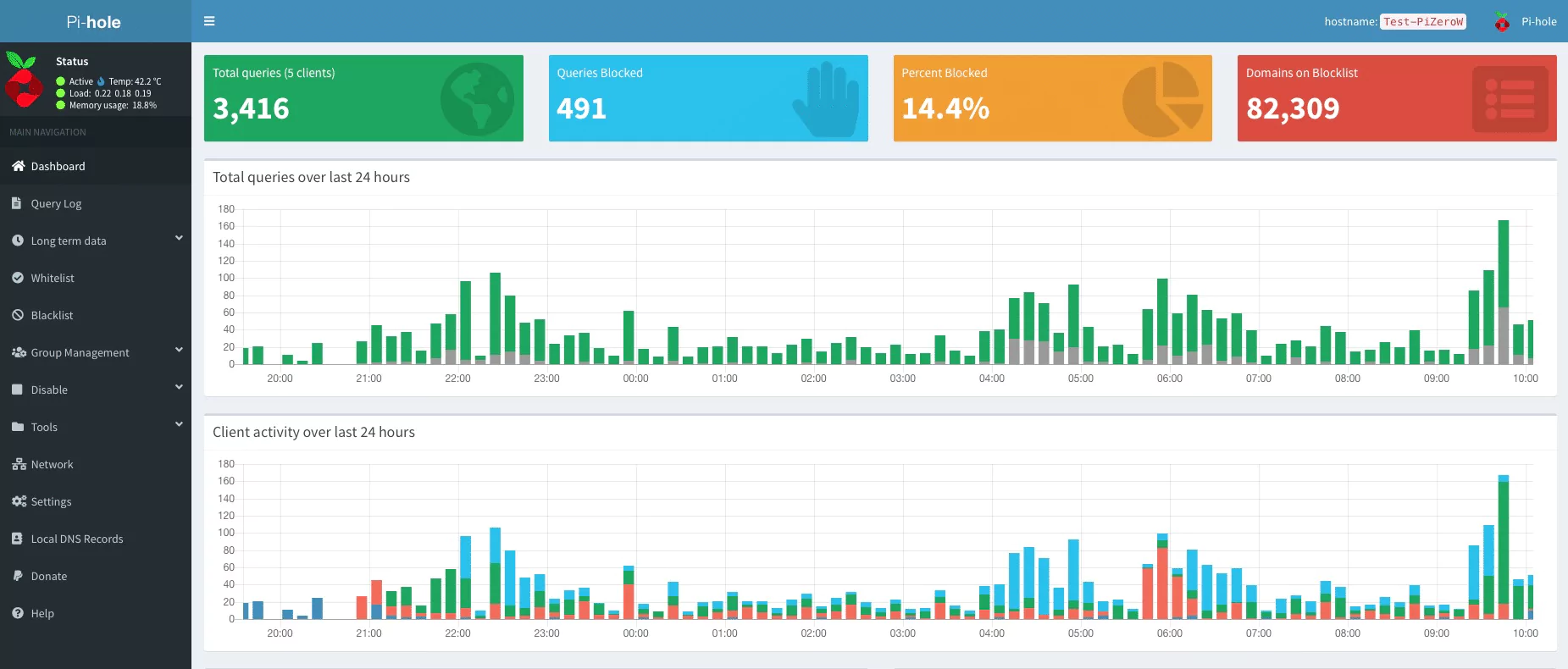
More info at Pi-hole Github and Pi-hole Official Documentation
Conclusion
Pi-hole is a powerful ad-blocking solution that offers numerous benefits, including ad-free browsing, enhanced privacy, and improved security. By blocking ads and tracking domains at the network level, Pi-hole provides a seamless browsing experience while protecting users’ privacy and security.
Whether you’re tired of intrusive ads, concerned about online privacy, or simply looking to improve your browsing speed, Pi-hole offers a comprehensive solution that addresses these concerns. Take control of your online experience today with Pi-hole and enjoy a cleaner, faster, and more secure internet browsing experience.